
Use-case review
Define the repeat task, target users, supported devices, data needs, and reason an installable experience matters.
Oladipo Labs
Installable, app-like web experiences designed around repeat customer journeys, mobile workflows, and maintainable delivery.

A Better Repeat-Use Experience
Some customer journeys depend on frequent visits, mobile access, account-based tools, or reliable use in inconsistent network conditions. A progressive web app can bring those workflows into a focused, installable web experience.
We begin with the business case and user journey, then determine whether PWA capabilities are appropriate. If a simpler website is the better answer, we will say so.
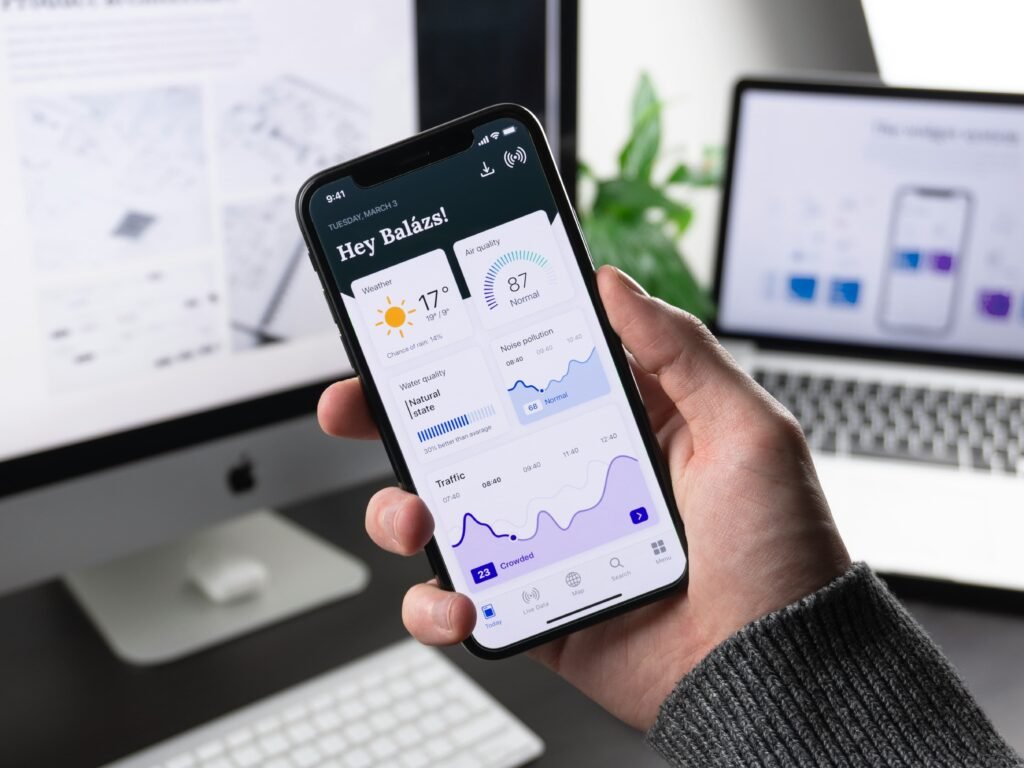
PWA Capabilities
The final scope can include installation, caching, authentication, notifications, or integrations when those features solve a real user need and the target browsers support them.
Delivery Process
Progressive capabilities are introduced deliberately, with browser support and operational constraints considered early.
Define the repeat task, target users, supported devices, data needs, and reason an installable experience matters.
Test the critical journey and interaction model before investing in the full system.
Build the interface, integrations, manifest, and caching behavior with staged reviews and accessibility checks.
Test installation, caching, and updates, document supported devices, and agree on any ongoing monitoring or maintenance.
Application Capabilities
Capabilities vary by application. We define user roles, privacy, browser support, and integrations during scoping.
Control what different types of users can see and do.
Practical tools for repeat tasks on mobile and desktop.
Approved integrations based on the actual business workflow.
Installation, browser behavior, accessibility, and maintenance planned together.
PWA Questions
A progressive web app is a web experience that can use supported browser capabilities such as home-screen installation, offline-aware caching, and app-like navigation.
Sometimes, but not always. The right choice depends on required device features, app-store distribution, platform-specific behavior, and the workflow your users need.
No. Browser and operating-system support varies. We plan progressive enhancement so the essential experience remains usable and document capability differences during scoping.
Selected screens and assets can be cached for limited offline or poor-connection use. The safe approach depends on how current, private, or transactional the data is.
Possibly. We first review the existing architecture, performance, responsive behavior, and user journey to determine whether an upgrade or a focused rebuild is more maintainable.
Ongoing work can include browser-compatibility checks, dependency and security updates, cache-version testing, analytics review, content changes, and feature iteration.
WEBSITES · WEB APPS · SEO
Whether you're building something new or improving what you already have, we'll help you create a clear plan and deliver a solution that supports your business goals.
START THE CONVERSATION
Tell us about your project, current challenges, and business goals. We'll help you explore the right solution and next steps.